Flipkart Seller Account Setup Step-by-Step Guide for a Successful Onboarding Process
Begin Selling Today with Expert Flipkart Seller Account Setup Services
It takes more than just signing up to launch your business on Flipkart. The journey of setting up a Flipkart seller account requires various steps of verification, documentation, bank validation, GST compliance, warehouse configuration, and category approvals which can be make or break for your Flipkart onboarding journey. We make this process easy at DigiBells Esolutions and ensure that your account is verified, activated and ready to sell within a few days, not weeks.
Having handled more than 1100+ seller accounts on Flipkart, we know all the hurdles in the seller registration process. Our Flipkart seller onboarding services automate the entire onboarding process, from document preparation to account activation, allowing you to concentrate on inventory building and engaging with customers.
How to Set Up a Flipkart Seller Account?
Flipkart seller account setup is a detailed process of registering as an authorized seller on India's top ecommerce marketplace, Flipkart. Account setup is a multi-layer process of compliance, verification and configuration, unlike just creating a login:
The journey of a Flipkart seller account begins with the simple registration process, but reaches its zenith at the level of business documentation, KYC (Know Your Customer) verification, tax compliance, linking bank accounts, and configuring warehouse logistics. Specific paperwork, info matching and timely submission are required for each step, which must be completed in order to prevent rejection and verification holds.
Typical steps in the process involve:
- The submission of documentation of business (GSTIN, PAN, business proof)
- Know Your Customer and ID verification with government records
- Verify bank account with cancelled cheques and statements
- Configure warehouse and pickup address using GST pincode matching
- Authorisation of brands/trademarks (where applicable, if selling branded products)
- Category-specific approvals for restricted categories
- Select a fulfillment model (standard, seller-flex, or FBA)
Understanding the Significance of Flipkart Marketplace Registration for Your Business
The success pace is dependent on correct Flipkart marketplace registration . A correctly configured account:
- Does not fall into rejection cycles that can keep you from launching on time by weeks and months
- Helps to approve categories in a quicker time frame, allowing the listing of products right away
- Makes sure that there are no verification holds on your account during operation
- Enables enrolling in seller schemes such as Flipkart Assured, boosting purchaser trust
- Simplifies logistics with the proper setting of pickup addresses and fulfillment preferences
- Complies with the GST to avoid penalties and suspension of account
On the other hand, errors in account set-up like mismatch of warehouse address and GSTIN, incomplete documentation, or bad document scans lead to compliance holds that last for 7-10 business days, resulting in lost sales during important launch periods.
Essential Documentation Needed for Flipkart Seller Registration
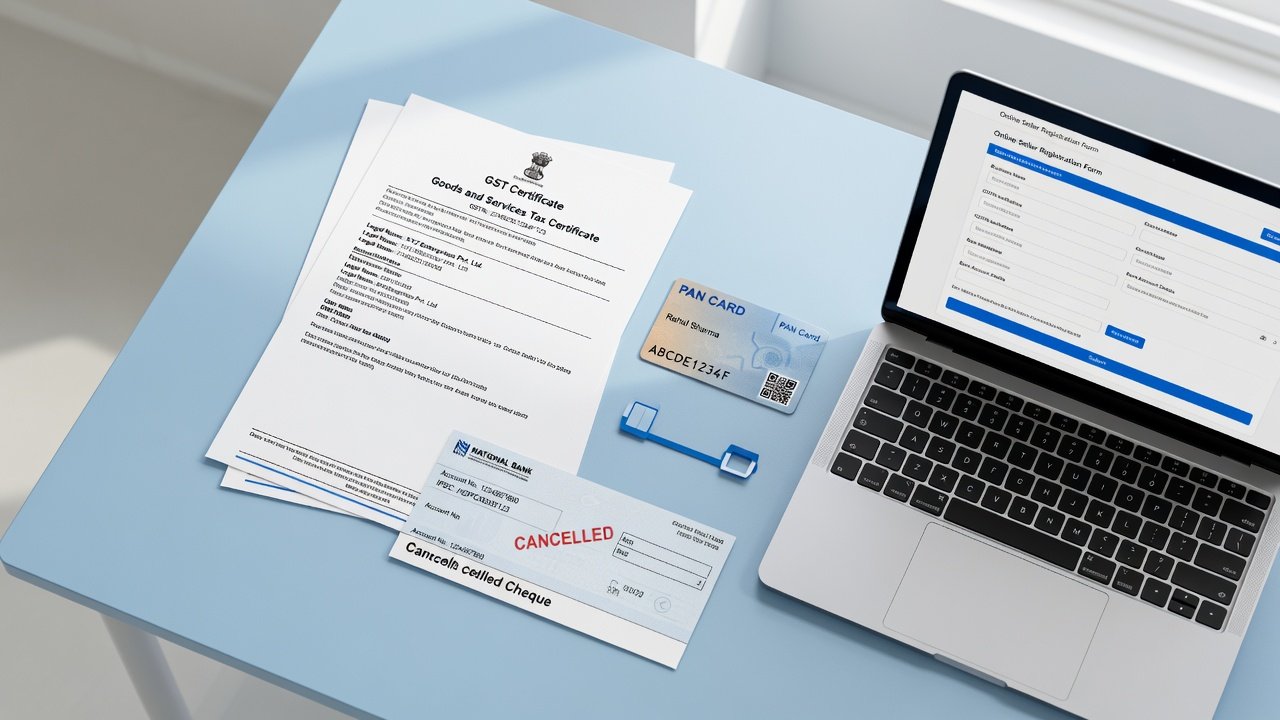
To begin the Flipkart seller registration process, make sure you have the following documents at hand and verified:
Goods and Services Tax Identification Number (GSTIN)
In India, the legal requirement for a GSTIN is to deal in taxable goods via an online platform. Your GSTIN must be:
- Active and registered with your business entity
- Matching your business name exactly (no variations in spelling)
- Covering the warehouse area where the stock is to be stored
If you have fulfillment centers in other states, then you will require more GSTINs for those other states which are registered as Additional Places of Business (APOB).
Permanent Account Number (PAN) Card
Your PAN card is proof of your tax identity. In the case of Partnerships and LLPs, a business PAN is required. Personal PAN can be used by sole proprietors. The PAN must be an exact match of what is on record for your business.
Active Bank Account & Cancelled Cheque
Flipkart payment is made weekly through direct bank transfer. You'll need:
- A business bank account opened in your registered business name
- Copy of cheque or statement by bank indicating account number and IFSC code
- The name of the account should be the same as the name of the business in your GSTIN
Warehouse Pickup Address
Your fulfillment or warehouse address should:
- Be serviceable by Flipkart's logistics partners – Ekart, 3PLs
- Match the State on your GSTIN Registration
- Have a valid pincode and complete address
Any discrepancies in these will be rejected automatically. If the warehouse is in a different state than the GSTIN, then register an APOB (Additional Place of Business) first.
Brand Authorization & Trademark Registry
For those who plan to sell branded products, Flipkart asks for:
- Trademark certificates with the same product class or categories
- A Brand Authorization Letter (BAL) from the brand owner
- Purchase invoices from authorized distributors
Flipkart Seller Account Setup Process – Complete Guide
By understanding the Flipkart seller account setup process, you can prepare and avoid any possible surprises for getting your account rejected. Here's how it works:
Step 1 – Create Your Account on Flipkart Seller Portal
Go to the Flipkart Seller Center and sign up with:
- The email address you use for your business correspondence
- The active mobile number used when sending OTP (one-time password)
- Verify identity through OTP
This will establish your login, but not grant selling privileges.
Step 2 – Verify Your GSTIN
After logging in, enter your GSTIN. Flipkart's system checks with the GST records to verify:
- Business name match
- Active registration status
- Address details alignment
This verification generally takes a few minutes, but can be prolonged if any information won't match.
Step 3 – Configure Your Warehouse Pickup Location
Fill in all of your warehouse details including:
- Building number, street, locality
- State and pincode
- Name of the contact person and telephone number
Flipkart verifies whether your pincode is serviced by its logistic partners. If your warehouse is located in an area that cannot be serviced, you can:
- Move to a serviceable postal code
- Organize your own delivery
- Register an alternate pick up place at APOB
Step 4 – Enter Bank Account Information
Fill in your company bank account:
- Account number
- IFSC code
- Name of the account holder (should be the same as the name in the GSTIN)
Attach a cancelled cheque or bank statement. This is confirmed by checking with your bank's records.
Step 5 – Select Product Categories
Select the categories on which you want to make sales. For some categories including health, beauty, food, and jewelry, it is necessary to:
- Obtain special category licenses
- Provide product certifications
- Submit additional authorization documents
Step 6 – Verify & Submit Application
Review everything and make sure it's consistent across all documents and submit. Flipkart's compliance team will check your application within 2–3 business days of your submission.
Step 7 – Receive Category Approvals
After your account is verified, you will be given approvals for each category you choose. Certain categories will need extra documentation if applicable.
Critical Rules: GST Pincode Matching & Additional Places of Business (APOB)
The most common cause for account rejection is GST pincode mismatch. The warehouse pick-up address should be in the same state as the primary GSTIN registration with Flipkart.
Where your GSTIN is registered in Delhi and your warehouse is located in Mumbai, then you are required to:
- Apply for a Secondary GSTIN in Maharashtra
- Submit APOB (Additional Place of Business) amendment on the GST portal
- Provide Flipkart authorization through the APOB when you sign up
This will normally take 5–7 working days via the GST portal.
How to Handle Frequent Flipkart Account Setup Rejections
A great deal of account rejections can be avoided if you prepare properly. The following are the most common problems:
Name Discrepancies Across Documents
Issue: If your GSTIN is registered as "ABC Enterprises Private Limited" but your bank account is registered as "ABC Enterprises Pvt. Ltd." then this causes automatic rejection.
Solution: Ensure name matching across GSTIN, PAN, bank account and cancelled cheque.
Address Mismatches
Issue: Address of your registered GSTIN does not match the address where the warehouse is situated, or the state of your registered GSTIN is not the same as the state where your warehouse is situated.
Solution: Register with the correct APOB or move your warehouse to the state where your GSTIN is registered.
Non-Serviceable Pincodes
Problem: Pincode of your warehouse is not supported by Flipkart's logistics partners.
Solution: Reach our team to find serviceable options in the vicinity or arrange self-fulfillment.
Low-Quality Document Scans
Problem: Bank statements, cancelled cheques or GST certificates are blurry, folded or illegible.
Solution: Upload high resolution scans (300+ DPI) with all 4 corners well documented.
Flipkart Seller Account Setup Services by DigiBells
Flipkart seller onboarding package is designed to take care of all aspects of your seller registration without leaving you with any guess work or rejection risks:
Complete Documentation & Verification Support
Even before you submit, we catch errors and discrepancies in all your documents that would otherwise be flagged off by Flipkart's compliance team. We verify:
- Details match with GSTIN details as per tax portal
- Bank accounts match the business name
- Consistency is maintained for the addresses across all documents
- Document quality and legibility is complete and clear
GSTIN & Tax Compliance Coordination
We help you register additional GSTIN for multiple warehouses and help you file APOB amendments if needed. We coordinate with tax consultants to ensure GST-compliant registration with Flipkart.
Warehouse Pickup Configuration & Logistics Coordination
We assist in identifying suitable warehouse locations, setting up pickup addresses in Flipkart's system and liaising with logistics partners to ensure that your warehouse is registered with their network.
Brand Registry & Authorization Management
For branded goods, we make preparations and organise:
- Trademark certificates
- Brand Authorization Letters
- Purchase invoices from authorized distributors
We also coordinate with the brand owners to get required permissions in a timely manner.
Fulfillment Model Setup
We help you choose one of:
- Flipkart Lite (Standard): You pack, Flipkart logistics takes care of the rest
- Seller-Flex: You store and pack, Flipkart handles returns
- Fulfillment (FA): Flipkart stores, packs and ships
Rapid Account Activation
Most accounts are verified and activated in 3-5 business days as opposed to the 7-10+ days it takes for a DIY submission.
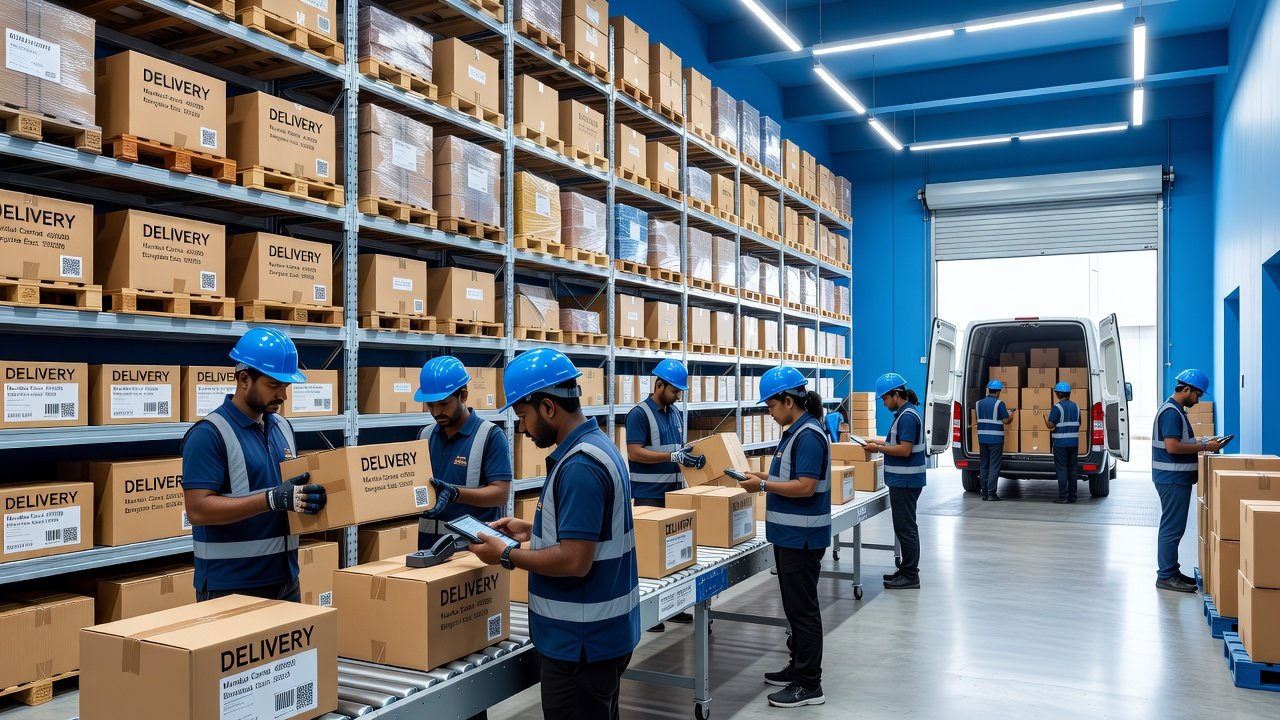
Why You Should Choose DigiBells for Flipkart Seller Account Setup
7+ Years of Flipkart Experience
We have set up accounts for 500+ sellers and have a deep understanding of Flipkart's compliance systems, common rejection patterns and quickest approval pathways.
Zero Rejection Success Rate
99% of rejection causes are picked up by our document verification process prior to submission. We understand what creates holds and how to structure submissions for first-time approval.
Dedicated Onboarding Specialist
You get your own account manager who takes care of your entire setup, maintains coordination with the Flipkart team and gives you progress updates on a weekly basis.
Fast-Track Activation
Unlike general consultants, we prioritize rapid onboarding. Most clients launch between 5–7 business days vs 2–3 weeks.
Post-Onboarding Support
Once your account is active you can expect us to assist you with:
- Set up and optimize the initial product catalog
- Category approvals for restricted items
- Fulfillment center configuration
- Seller performance optimization
Frequently Asked Questions for Flipkart Seller Account Setup
Ready to Launch Your Flipkart Seller Account Setup?
The foundation of Flipkart success is your account setup. If you set up your account right, you will see that the approvals are much quicker, there are less compliance holds and you will have access to millions of buyers.
DigiBells' Flipkart seller onboarding services remove the complexities, lower the risk of rejection and expedite your seller activation.
Ready to launch? Contact a Flipkart expert to set up your free account consultation now!